
MindArt Digital Drawing App
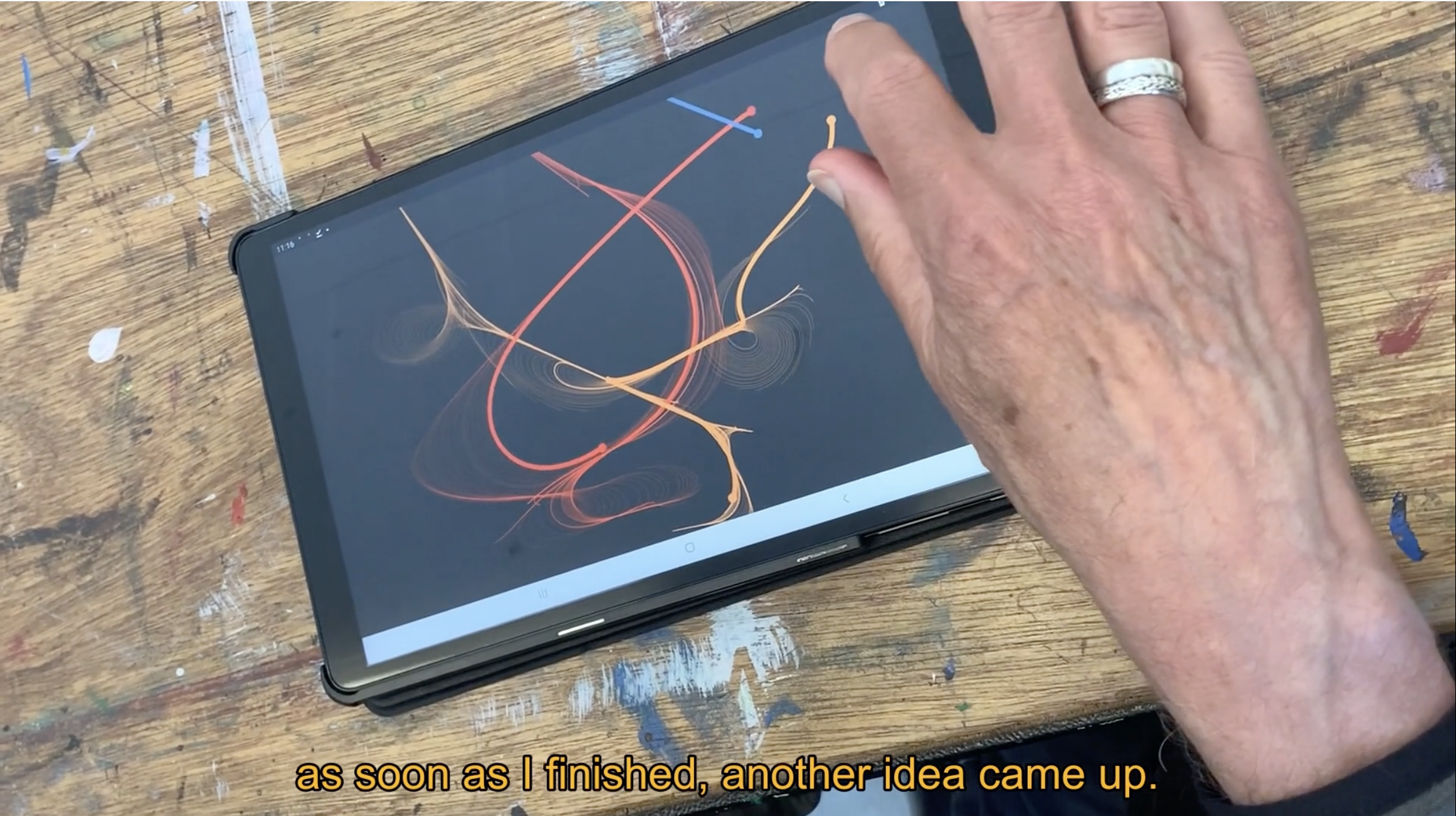
Explore the perfect blend of technology and tranquillity with our intuitive drawing app, featuring 8 specialised drawing experiences, each accompanied by specially composed peaceful taonga pūoro (traditional Māori instruments) soundtracks
Download once to your device: computer, tablet, or phone. Then create anywhere, anytime as after the download no internet is needed.
Thoughtfully designed for people with neurological conditions and clinically proven to support wellbeing, every mode is completely fail-safe, ensuring everything you make is genuinely beautiful. Each mode features clear, well-sized buttons and encourages gentle, repetitive movements that promote meditation while engaging your brain pathways in rewarding new ways.
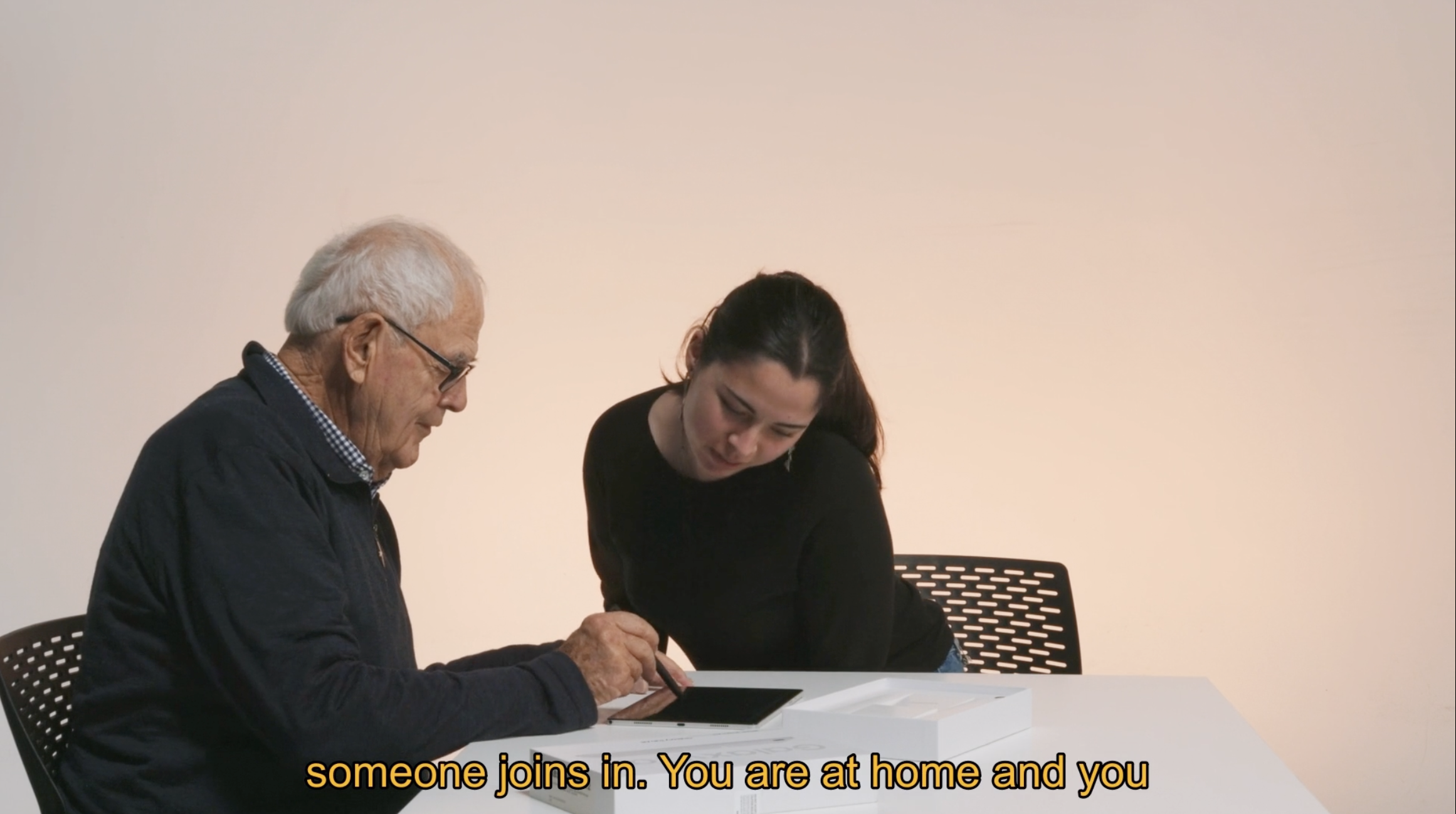
Use it alone for quiet reflection, side-by-side with a friend for shared creativity, or bridge generations with precious moments between young and old family members.
A tip for hand tremors: A stylus can make drawing more comfortable and give you greater control.
How to save
Watch these videos to learn more
Click to make full screen
How to Use Digital Drawing App
Contexts for MindArt Digital Drawing
Full-Length Drawing Application Film
The full-length Digital Drawing Application film walks you through everything you need to know, covering all eight drawing experiences and how to get the most out of each one.
The film runs for 24 minutes in full, but if you'd prefer to jump to a specific section, use the timestamps below.
0.10 — The principles of the MindArt Digital Drawing Application
03.05 — What people say about the MindArt Digital Drawing Application
05.23 — FAQs: where, internet, when, and how long
07.00 — How to use the MindArt Digital Drawing Application
08.49 — Scenarios on where and how to use it
10.52 — Detailed guidance on each of the eight drawing experiences
22.11 — Using the MindArt Digital Drawing Application on your phone
23.15 — Conclusion
Some Common Questions
-
Anywhere. The app works without internet once downloaded, so your phone, tablet, or computer becomes a creative companion wherever you are. There's nothing quite like leaving a tablet lying around and picking it up whenever inspiration strikes.
-
Any time that feels right. You might find a regular routine works for you, or you might prefer to follow your mood. Either way is perfect.
-
Entirely up to you. Some people love the quiet of drawing solo; others enjoy the gentle companionship of drawing side by side, or even making it a group activity. Just do what feels good.
-
There's no ideal length, the only guide is that it should feel like a joy. Five minutes or a few hours, it's completely your decision.
-
Not at all. Press your finger on the screen, choose a tool, and off you go. The more you explore, the more you'll discover what each tool can do and what you enjoy the most.
-
Ideally not. Each experience has its own aim and approach, and while the tools may look simple, the longer you stay with one the deeper you'll go, finding a real sense of flow. One or two experiences per session is a lovely way to explore.
-
Not at all. Each experience has its own qualities, Touchscape, for example, is about flow, while Dotscape is about connecting, so let your mood guide you. You'll likely find yourself drawn back to a few favourites, and that's completely natural. What's lovely is that everyone seems to have different ones they love most.